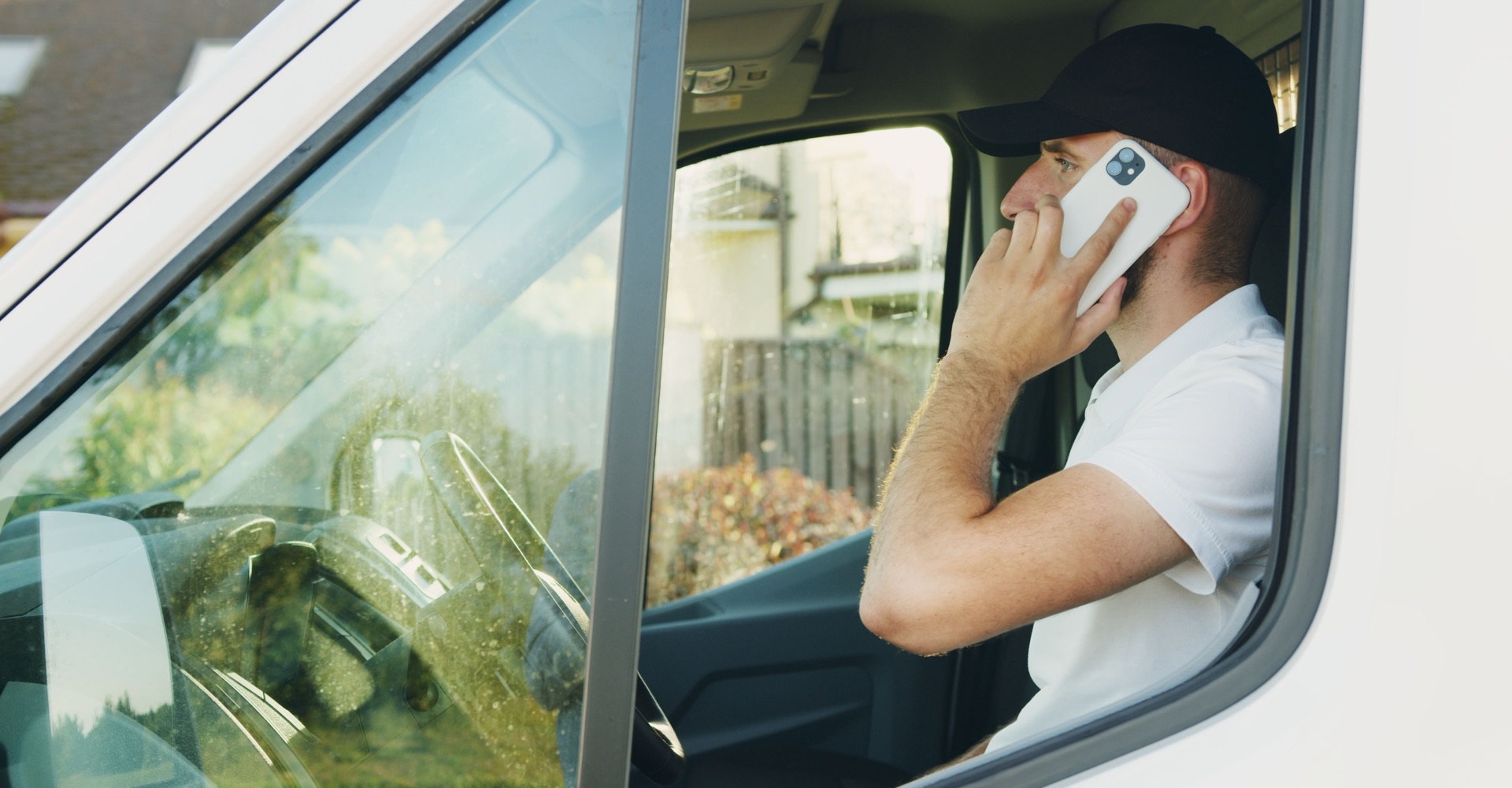
Artisan Field · iPhone and Android · version 4.8
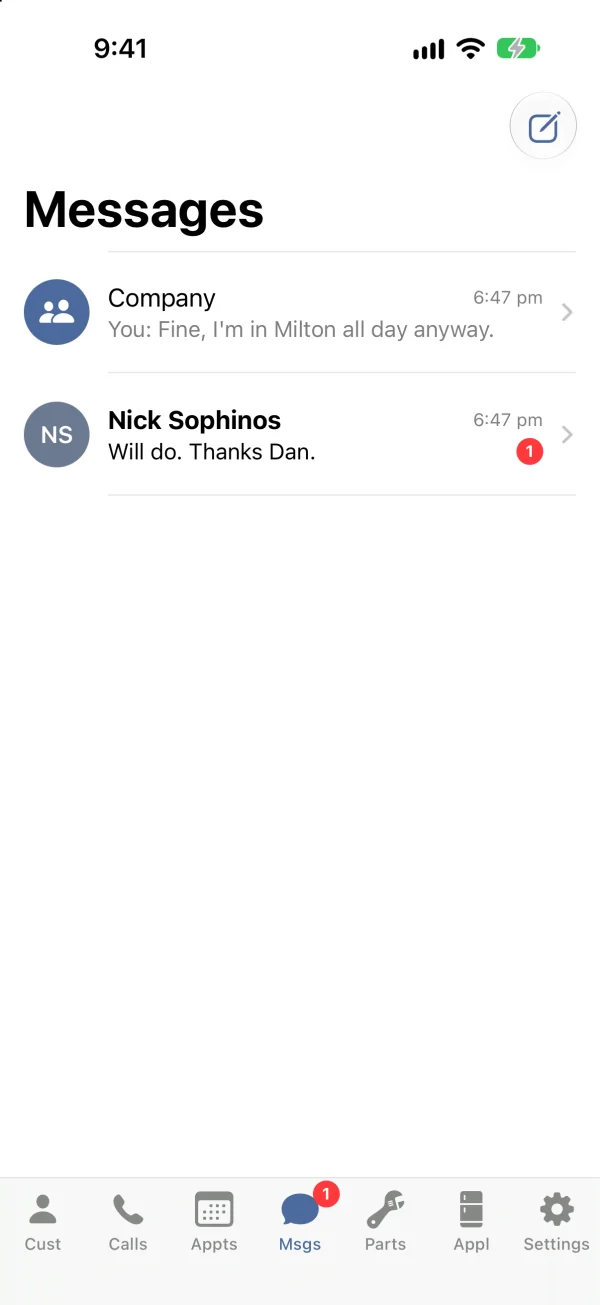
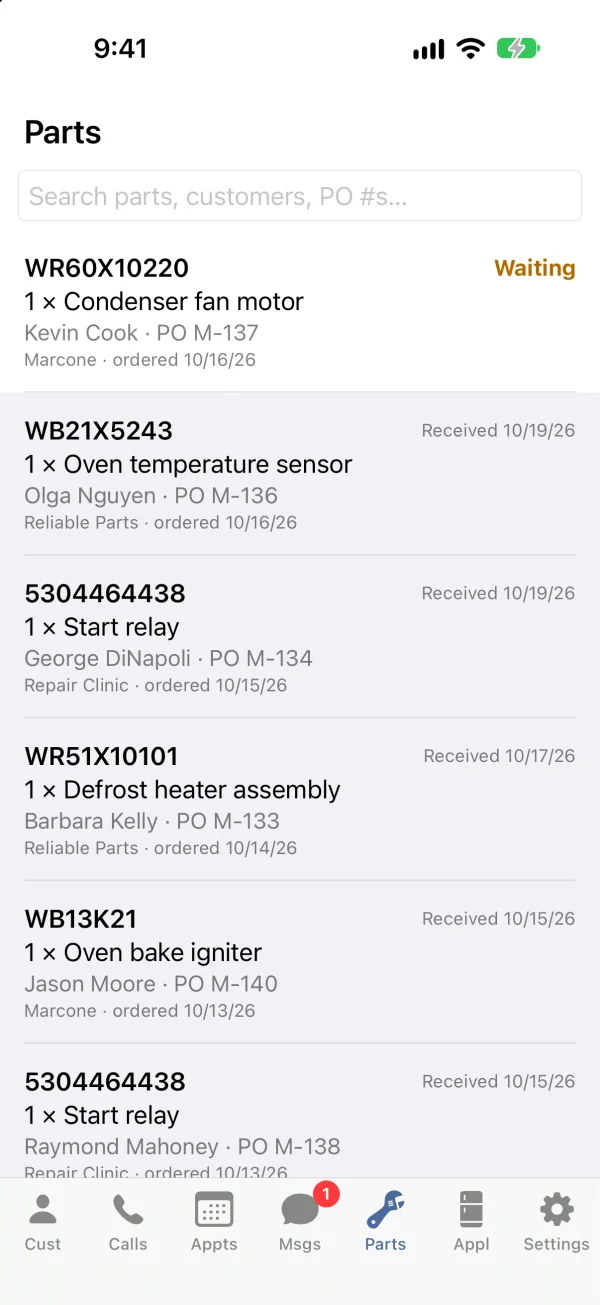
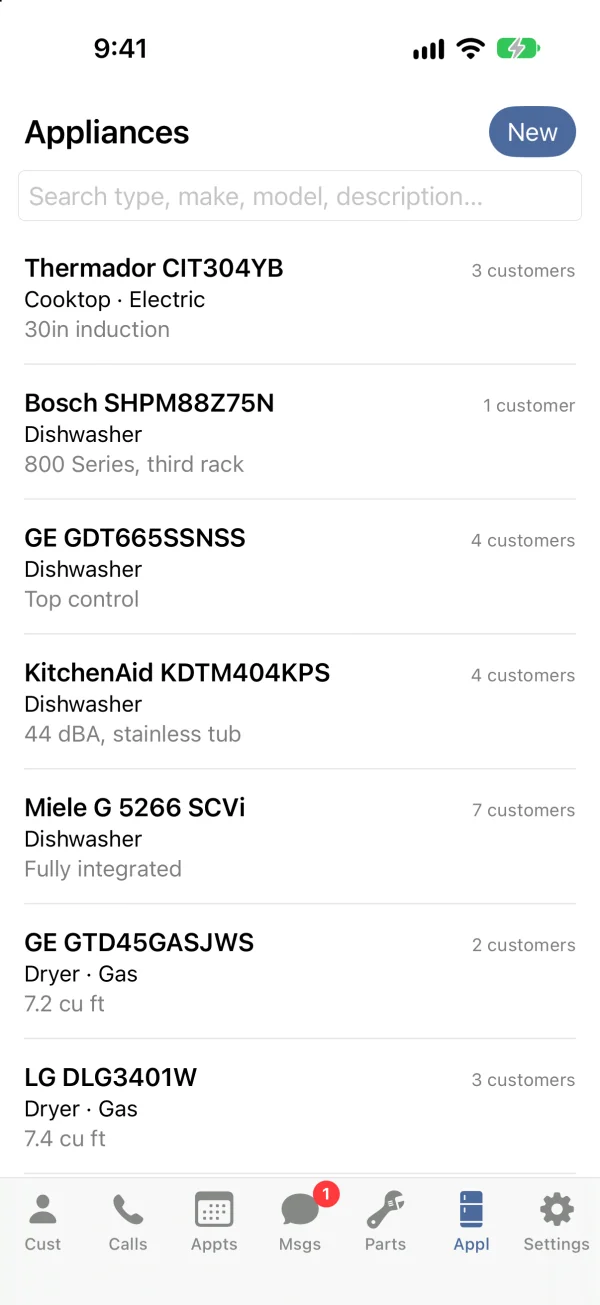
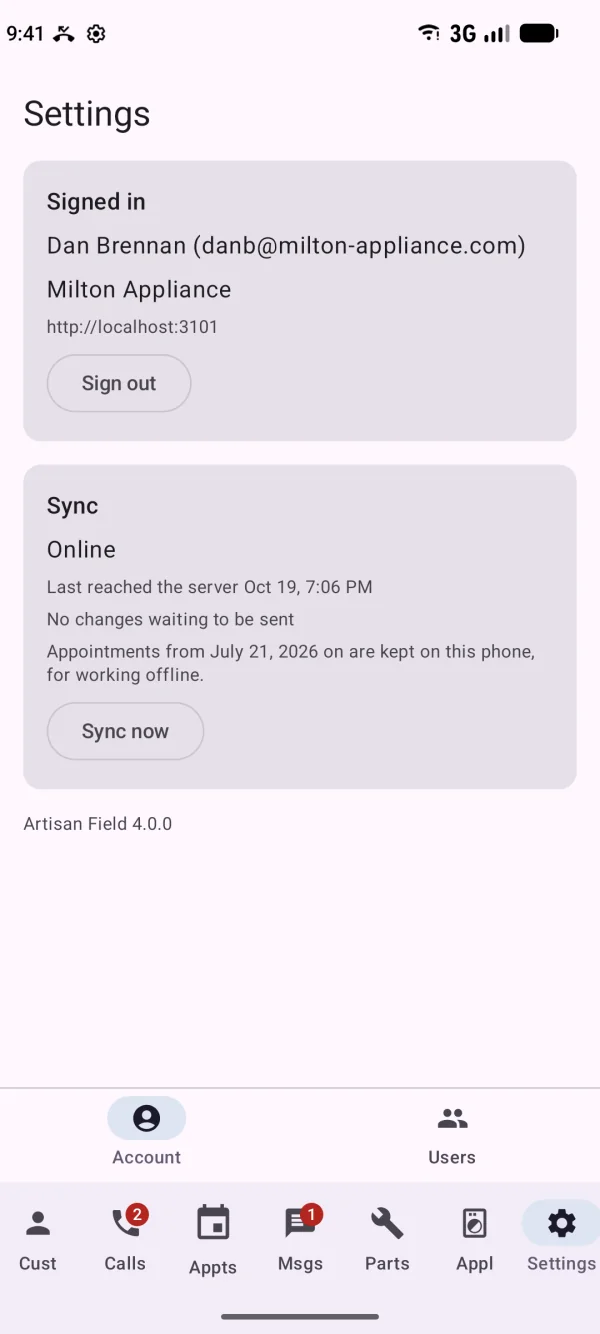
Real screens from a demo company, on an iPhone and a Pixel. Technicians see Appts, Msgs, Parts, Appl and Settings; admins and managers see all seven.
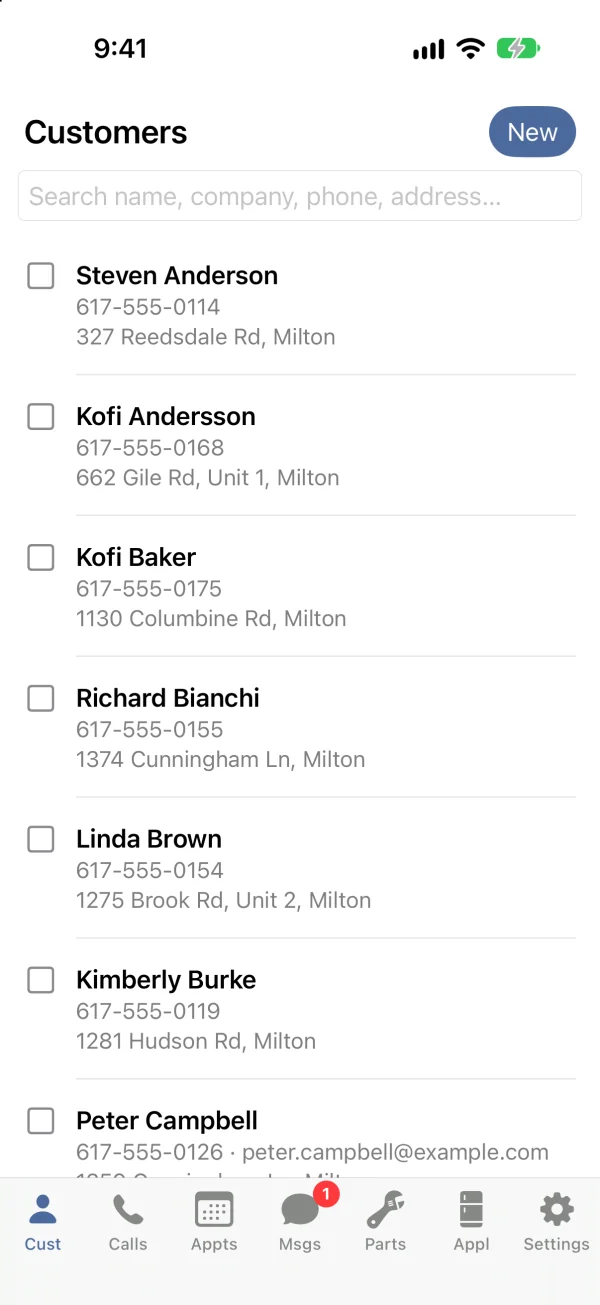
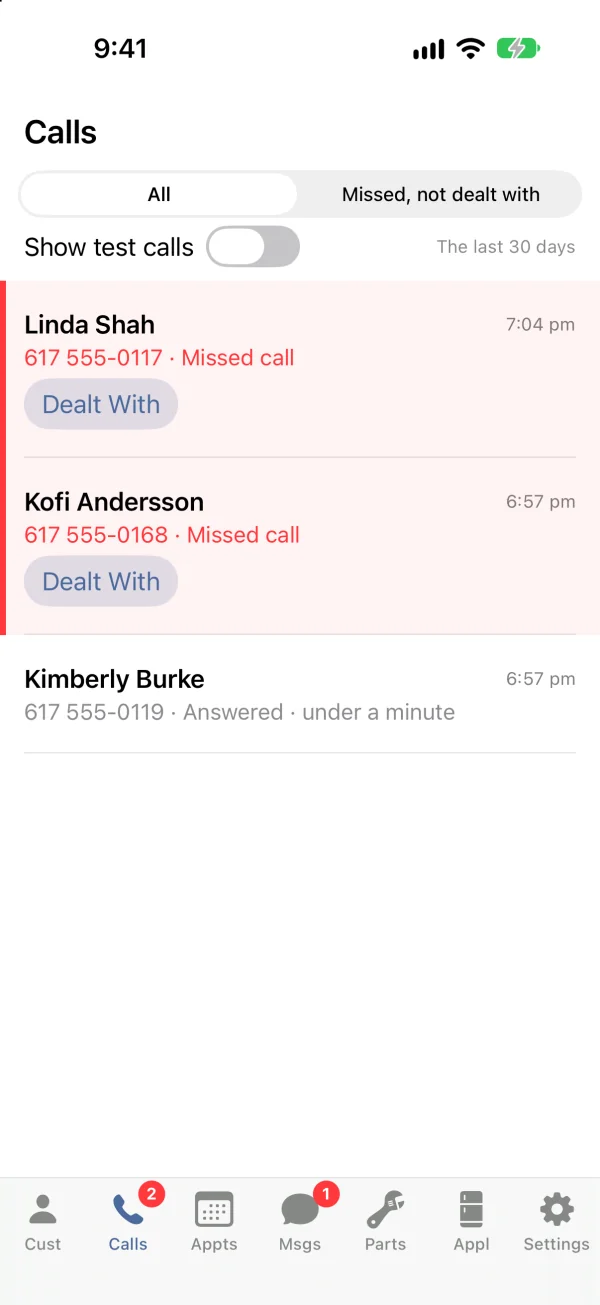
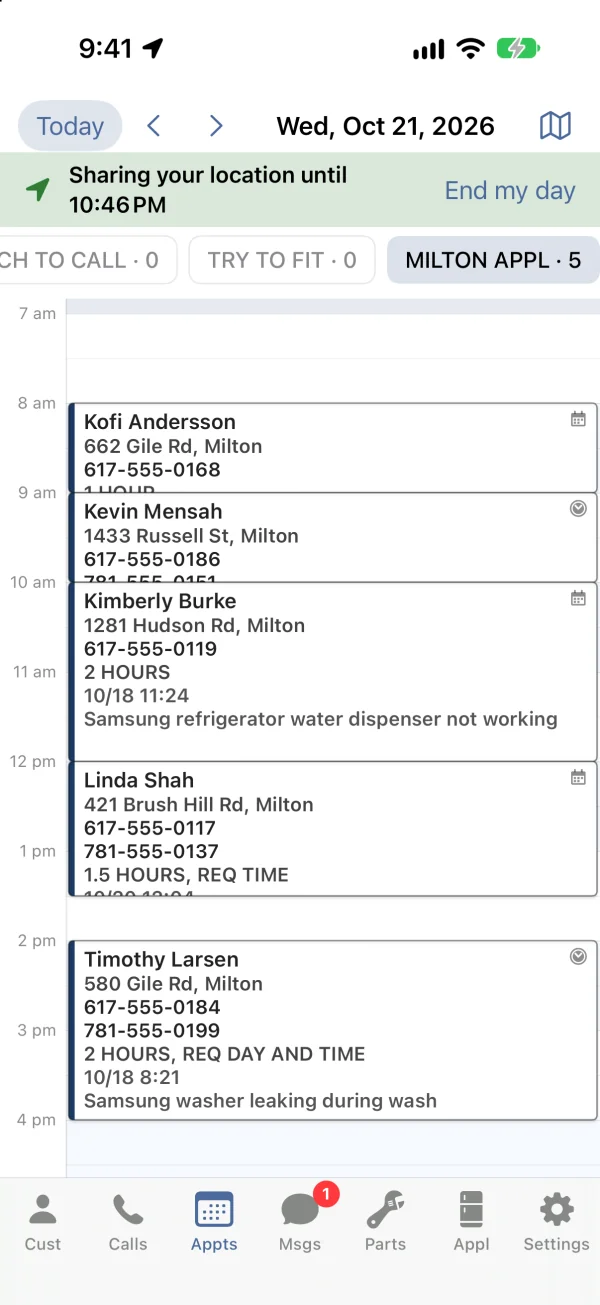
From the first tap in the driveway to the last one at home.
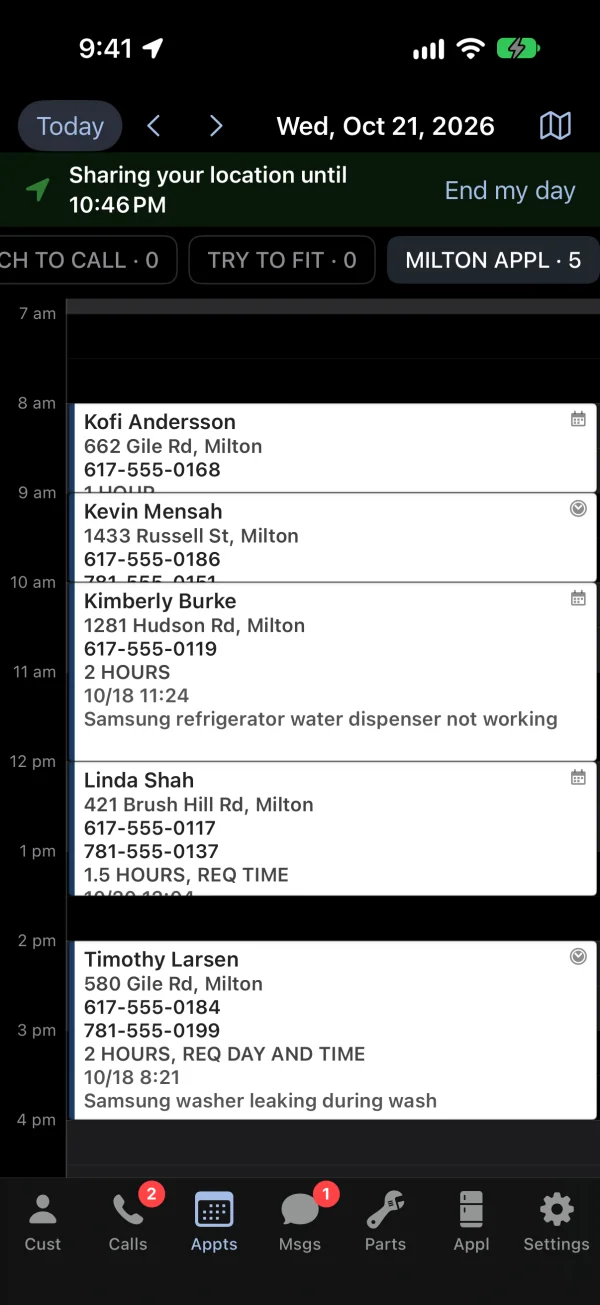
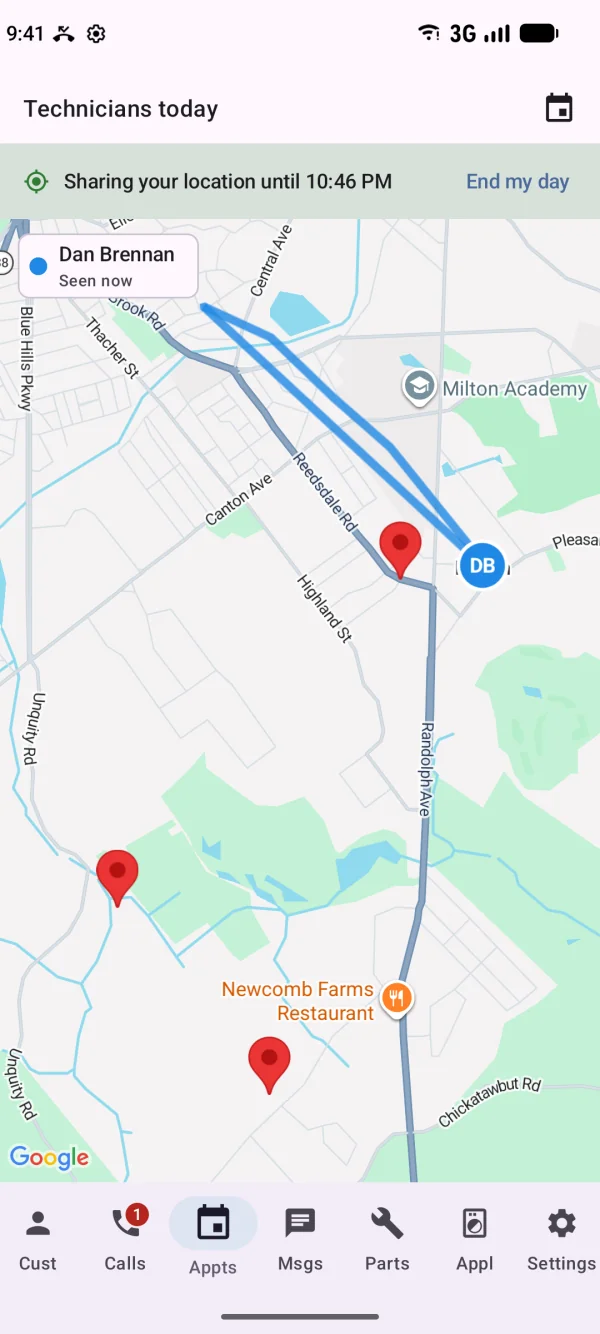
One tap on the Appts tab. The office sees you on the map, with the route you drive and the day's visits pinned. The day's appointments are already on the phone, so it doesn't matter if the first stop has no signal.
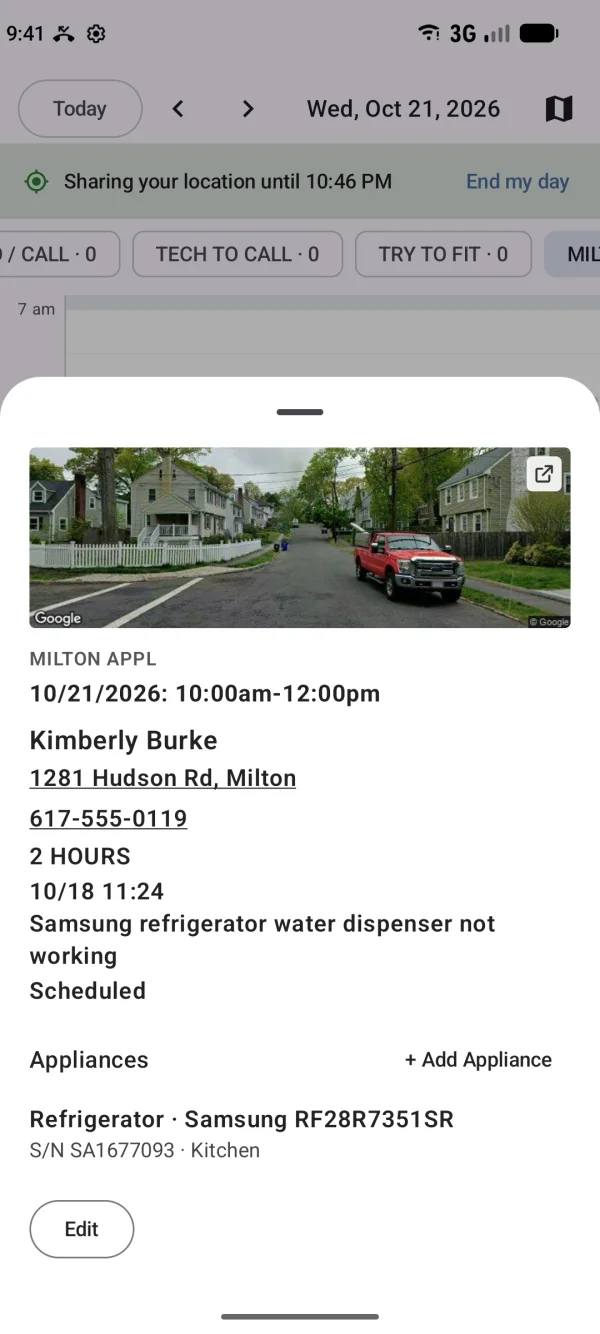
Tap the appointment: the customer, the note the office took on the phone, the services, and a photo of the house from the street. Tap the number to call ahead, tap the address for directions.
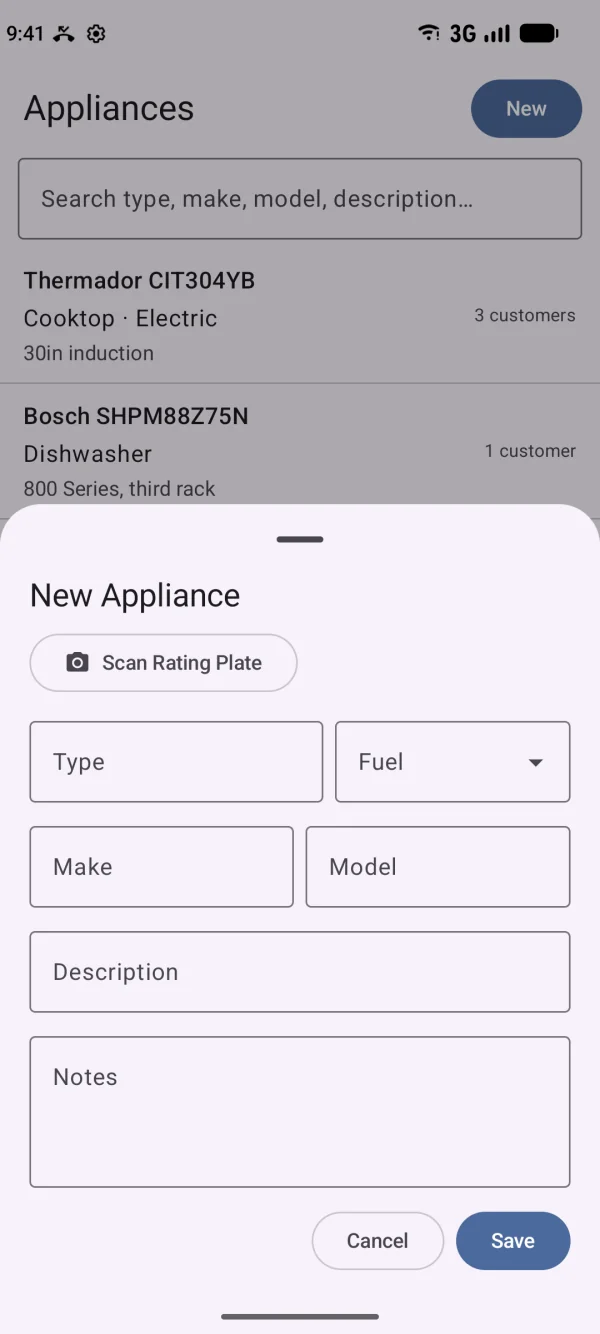
New unit in the house? Photograph its rating plate or data tag and the app fills in the make, model and serial number, flagging any character that's hard to read so you check it. The unit is on the customer's record before you leave the basement.
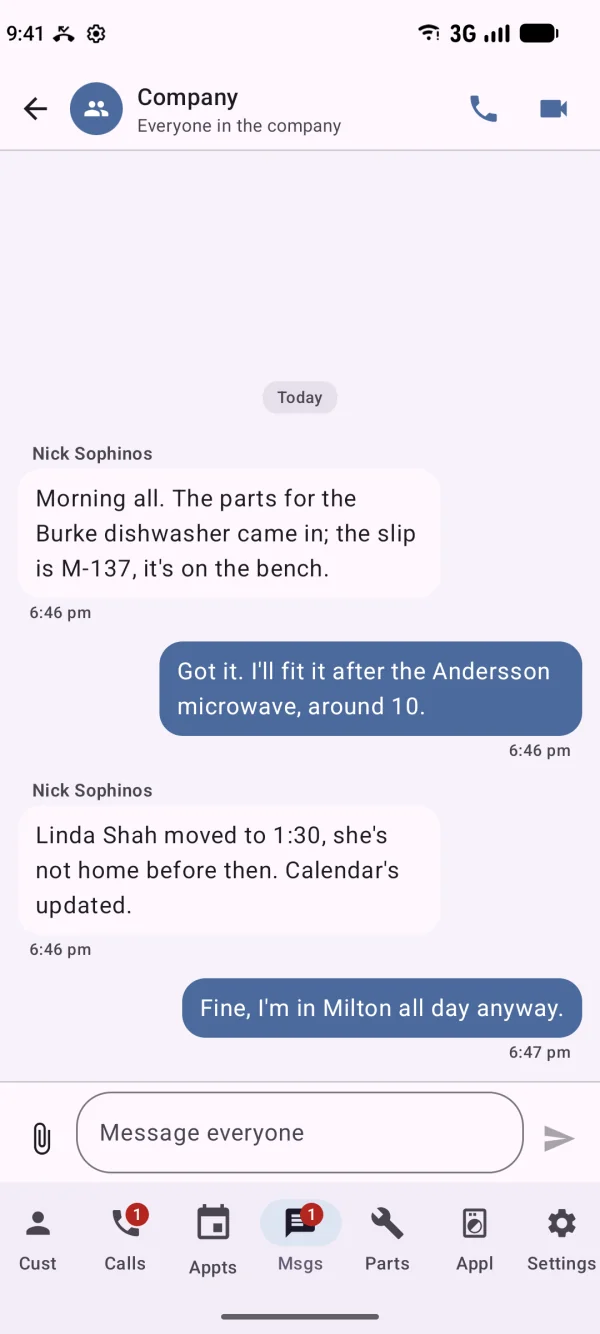
A photo to the company conversation, a direct message to whoever orders parts, or a video call so the office can see what you're looking at. The part order they write up shows on the Parts tab when it's in.
One tap, and you're off the map. Forget, and it ends by itself in the evening. Everything you touched during the day is already at the office; there's nothing to send.
Sign in as a manager and the app opens up: customers, calls, the whole calendar, parts, messages and your team. Book a visit while you're still in the customer's kitchen. See where the other trucks are. Add a new hire to the team from the parking lot.
Built for the driveway, the basement and the back road, not for the desk.
Android phones install Artisan Field from Google Play. iPhones and iPads install it from a TestFlight link, until it's in the App Store. Setting up a phone takes about ten minutes on a call with us.
Tell us your trade and how many people are on the road, and we'll set up a demo company you can carry around for a day.